Everything you need to deliver your work beautifully.
Bring photos, client feedback, and downloads together in a gallery that reflects your brand.
No credit card required
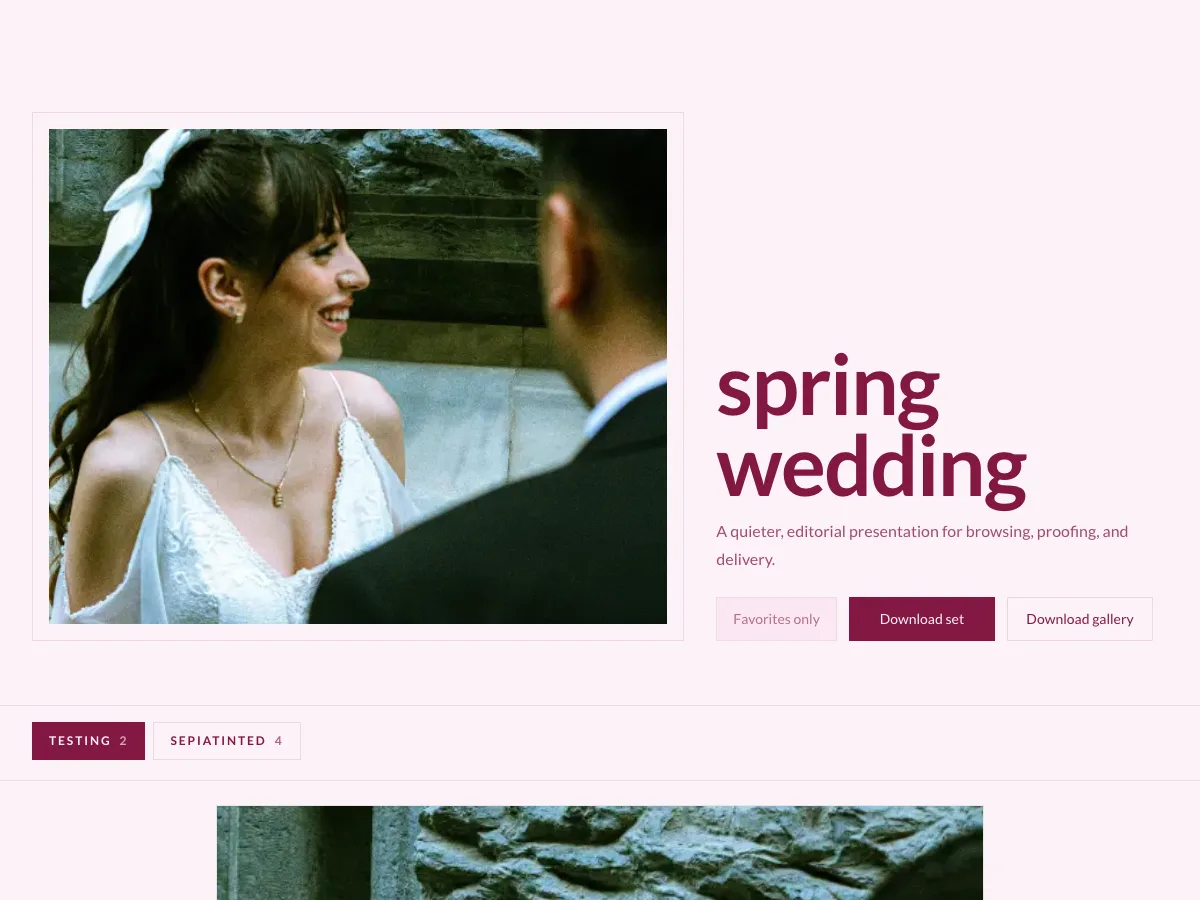
Spring Wedding
Make the delivery part of the work.
Present every session through a gallery designed to complement the photographs, not compete with them.
Choose the cover
Shape the layout
Guide client actions
View on any screen

Galleries that fit every screen.
From upload to delivery, without the busywork.
Upload a session, arrange the photos, and choose how clients access them.
01
Upload
Add a complete session without interrupting your work.
02
Organize
Build sets, choose a cover, and shape the viewing order.
03
Customize
Set the layout, color, type, spacing, and photo actions.
04
Publish
Choose public or password-protected access.
05
Deliver
Send one focused gallery for proofing and downloads.
Give every photo its place.
Arrange images into sets, filter the view, select in bulk, and keep covers, visibility, watermarks, and download access under control.
Taylor & Morgan
482 photographs
Review, choose, and download in one place.
Clients can save favorites, leave comments, and download photos without leaving the gallery.
No client account. No app to install.
Add a password or email registration only when the job calls for it.
Share with control
Publish publicly, add a password, or create a private link with its own download access.
Collect clear feedback
See client favorites and photo comments without sending another proofing document.
Know what was delivered
Review client and file-level download activity, then export the record when needed.
Your brand stays in the frame.
Choose the cover, palette, typography, spacing, grid, and action style. Save the result as a preset for the next job.
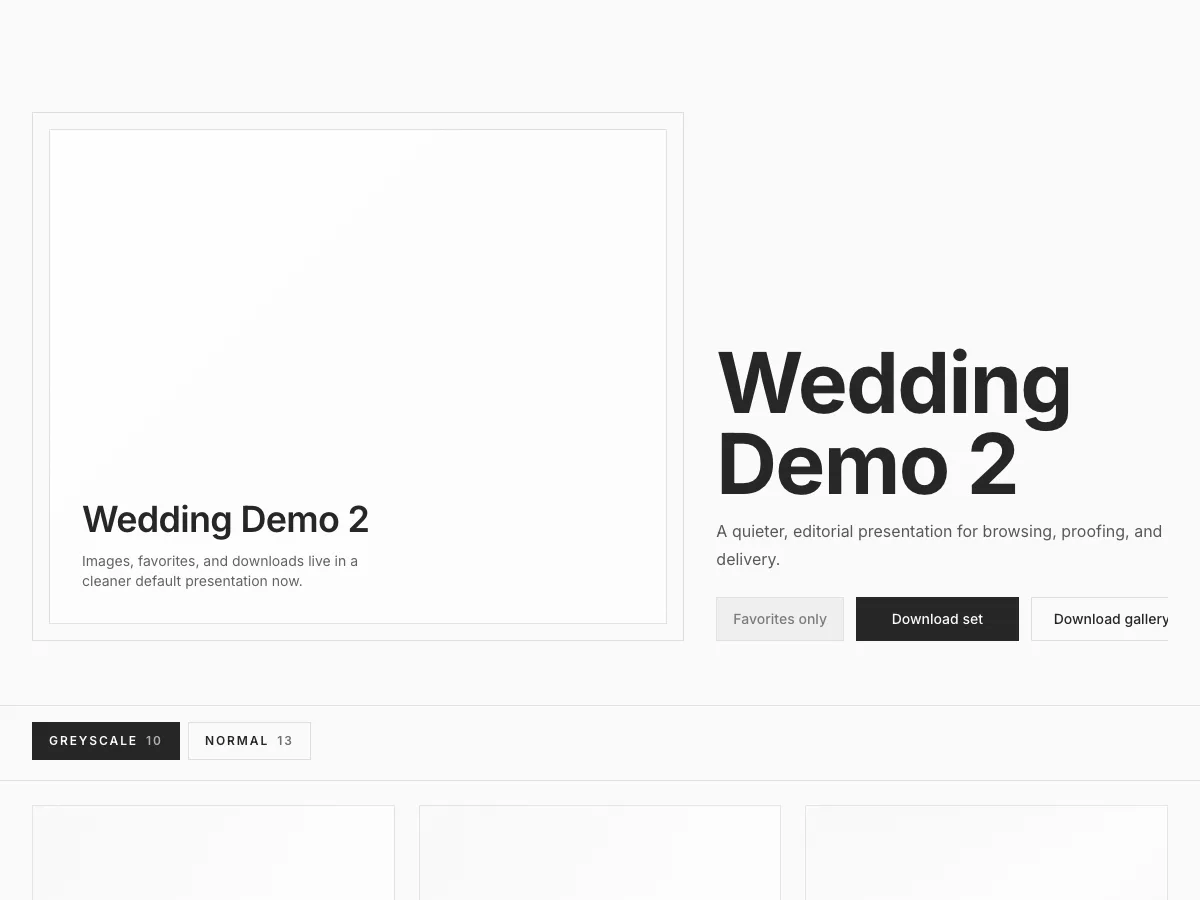
A website for your photography.
Build a portfolio website with the same care as your client galleries.
Page builder
Mara Studio
Honest photographs, thoughtfully kept.
What Framewell includes.
A practical view of what you can use now. Plan limits apply to storage, privacy, websites, domains, and advanced branding.
Gallery experience
- Responsive client galleries
- Editorial, immersive, and minimal covers
- Grid and masonry layouts
- Photo sets and collection navigation
- Mobile viewing
- Gallery-wide watermarks
Proofing and delivery
- Single-photo and full-gallery downloads
- Per-photo download controls
- Client favorites
- Photo comments
- Optional email registration
- Private share links
Workflow and business
- Direct background uploads
- Bulk photo actions
- Saved gallery presets
- Download activity and CSV export
- Portfolio website builder
- Custom website domains on Studio
Questions about client galleries.
Find answers about access, downloads, storage, and bringing over existing work.
Do clients need an account or app?
No. Galleries open in any modern browser. You can add a password or require an email when you want more control.
Can I control what clients download?
Yes. Turn downloads on or off for the gallery, adjust individual photos, and control access on private share links.
Can I move existing work into Framewell?
Upload finished photos into new galleries. Automated migration is not currently available.
Is there a Lightroom integration?
Not yet. Export from Lightroom, then upload the finished files directly to Framewell.
How much storage is included?
The Free plan includes 10 GB, Growth includes 500 GB, and Studio includes 4 TB.
Can I use my own domain?
Yes. Studio includes custom domains for your published Framewell website.
Your photographs deserve more than a download link.
Create your first Framewell gallery today.
No credit card required